Connecting two systems so data flows one way is hard enough. Connecting them so both sides can read and write, without creating duplicates, infinite loops, or silent overwrites, is a different problem entirely. (It's the kind of problem that makes engineers quietly close their laptops and stare at the wall for a moment.) This post is a clear-eyed look at how bidirectional sync works, where it breaks, and how to build it right the first time.
TLDR:
- Two-way sync requires record identity mapping, change detection, and field-level write ownership to work correctly
- Two independent one-way pipelines don't produce a valid bidirectional sync; they share no state or conflict logic
- Poor data quality costs organizations an average of $12.9M annually; conflict mishandling is a direct contributor
- Sync loops, schema drift, and partial write failures are the most common production failure modes to plan for
- Hotglue's v2 flows handle both directions from a single config, with built-in deduplication and per-tenant field mapping
What Bidirectional Data Sync Actually Is
With one-way sync, data flows in a single direction: System A pushes to System B, and System B receives. Bidirectional data sync changes that contract. Both systems can originate, update, and delete records independently, and each side reflects the other's changes. Bidirectional integrations make this contract enforceable at the infrastructure level.
A sales rep updates a contact in Salesforce; the change appears in your product. Someone edits that same record inside your product; it flows back to Salesforce. Neither system is the passive recipient.
For the product team building this, the implications are bigger than they first appear. You're no longer managing a pipeline. You're managing a two-way agreement between systems that both believe they own the data.
One-Way Sync vs. Two-Way Sync
The table below shows where the two approaches split at a conceptual level.
| One-Way Sync | Two-Way Sync | |
|---|---|---|
| Data flow | Source to destination only | Both systems read and write |
| Conflict risk | None | High |
| Good for | Analytics, reporting, archival | CRM, ERP, order management |
| Complexity | Low | Much higher |
One-way sync is the right call more often than people admit. Pulling Shopify orders into a data warehouse for reporting, or archiving HubSpot contact activity into your own database, gives no reason for the destination to write back. The pipeline is simpler, conflicts are impossible, and the failure modes are predictable.
Two-way sync earns its complexity when both systems have legitimate write authority over the same records. A sales team managing deals in Salesforce while your product tracks corresponding subscription data is a clean example: when a deal closes, your product needs to know; when a subscription upgrades, Salesforce should reflect the new ARR. Neither system can be read-only.
The same logic applies to ERP and accounting workflows. An AP automation tool like Tipalti might approve a bill inside its own UI, but that approval status needs to return to NetSuite so the general ledger stays accurate. One-way sync gets bills into the approval queue. Getting the approval status back requires the return path.
How Bidirectional Sync Works Under the Hood
Three components have to work together for bidirectional sync to be correct: record identity, change detection, and write ownership.
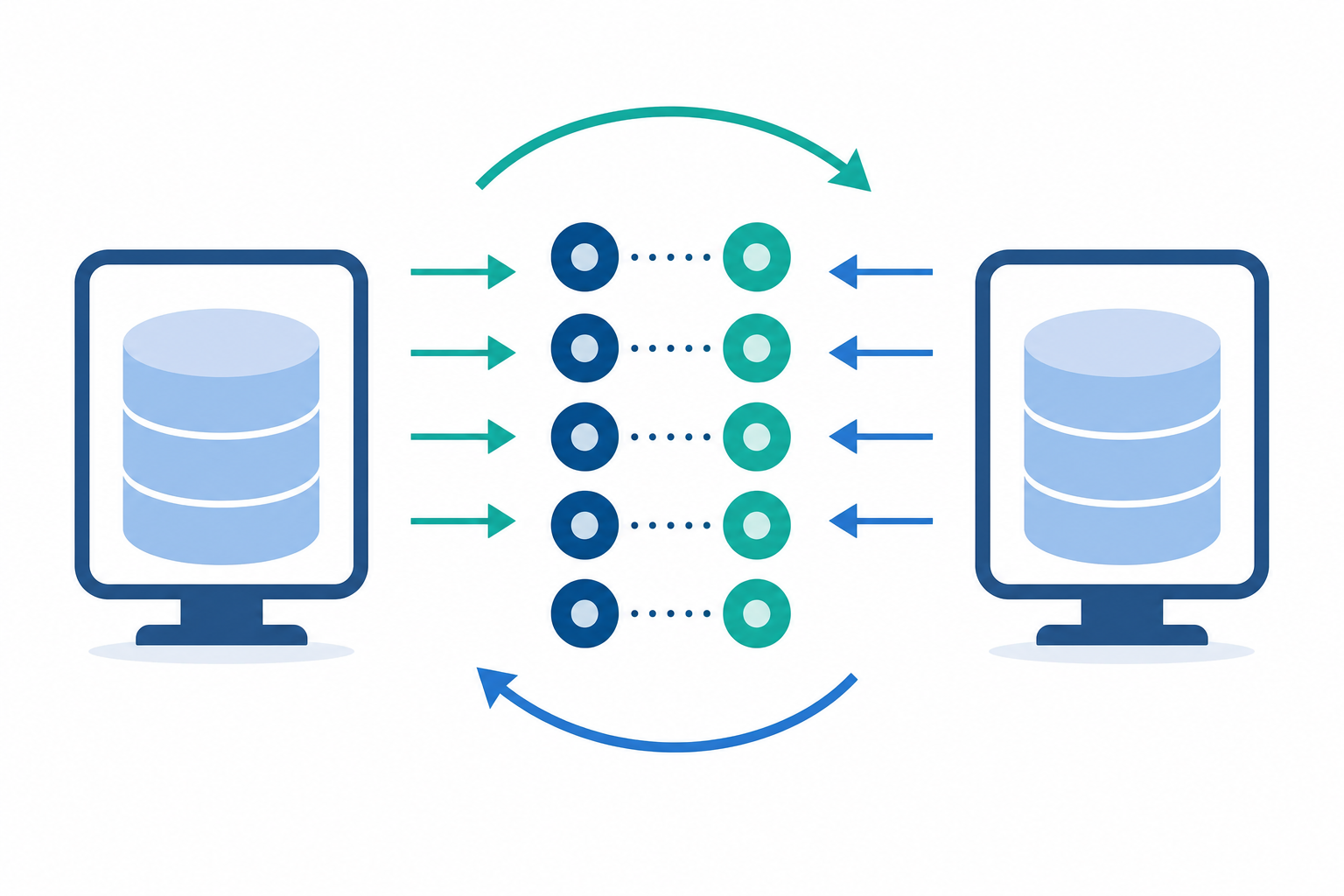
Record identity is the first problem. A contact in Salesforce and a contact in your product each have their own internal ID. Without an explicit mapping layer that links those IDs, any sync engine is guessing, and guessing leads to duplicates.
Change detection triggers the sync cycle. There are three common approaches, each with real tradeoffs:
- Polling checks the source on a schedule. Simple to set up, but inherently slow.
- Webhooks push a notification the moment something updates. Fast, but stateless and easy to miss.
- Change data capture (CDC) reads the database transaction log directly. Precise, but requires database-level access most third-party APIs never expose.
Write ownership is where most bidirectional designs go wrong. Every field needs a defined authority. If Salesforce owns deal_stage and your product owns subscription_tier, the sync engine needs to respect that boundary. Without it, the last write wins, which may just be a reflected copy of the previous write from the other side.
This is also why two one-way pipelines don't make bidirectional sync. Running a Salesforce-to-product job alongside a product-to-Salesforce job shares none of the coordination logic above. Separate state, separate identity resolution, no shared ownership agreement. The result is usually phantom updates, silent data corruption, or both.
Conflict Resolution: When Both Systems Write at the Same Time
Conflicts happen when both systems write to the same record before either sync cycle completes. A rep updates a deal stage in Salesforce at 2:04 PM. Your product writes a status change to the same record at 2:05 PM. By the time either pipeline processes the event, you have two competing versions and no clean answer about which one is right.
Gartner estimates poor data quality costs organizations an average of $12.9 million annually, and a Validity survey of over 1,250 companies found that 44% estimate they lose more than 10% of annual revenue from low-quality CRM data. Conflict mishandling is a direct contributor.
Four resolution strategies cover most real cases:
- Last-write-wins: whichever update has the later timestamp overwrites the other. Fast to implement, but dangerous when clocks aren't synchronized or when the "winning" write is just a reflected echo of the losing one.
- Field-level ownership: each field has a designated authority. Salesforce owns
deal_stage; your product ownssubscription_status. Neither system can overwrite a field it doesn't own. Clean in theory, but expensive to maintain as schemas change. - Timestamp-based resolution: compares
updated_atvalues across systems and applies the newer change. Requires both systems to report accurate, comparable timestamps, which third-party APIs often don't guarantee. - Manual review queues: ambiguous conflicts get flagged for a human to resolve. Correct, but slow, and it scales poorly once sync volume grows.
Most production systems combine field-level ownership for high-stakes fields with last-write-wins as the fallback for lower-risk data.
The Infinite Loop Problem
Sync loops are arguably the most disruptive failure mode in bidirectional integrations. System A writes a record, System B receives it and writes back, System A sees that write as a new change and fires again. The cycle repeats until API rate limits are exhausted, quotas are drained, or someone notices the audit log has thousands of identical entries.
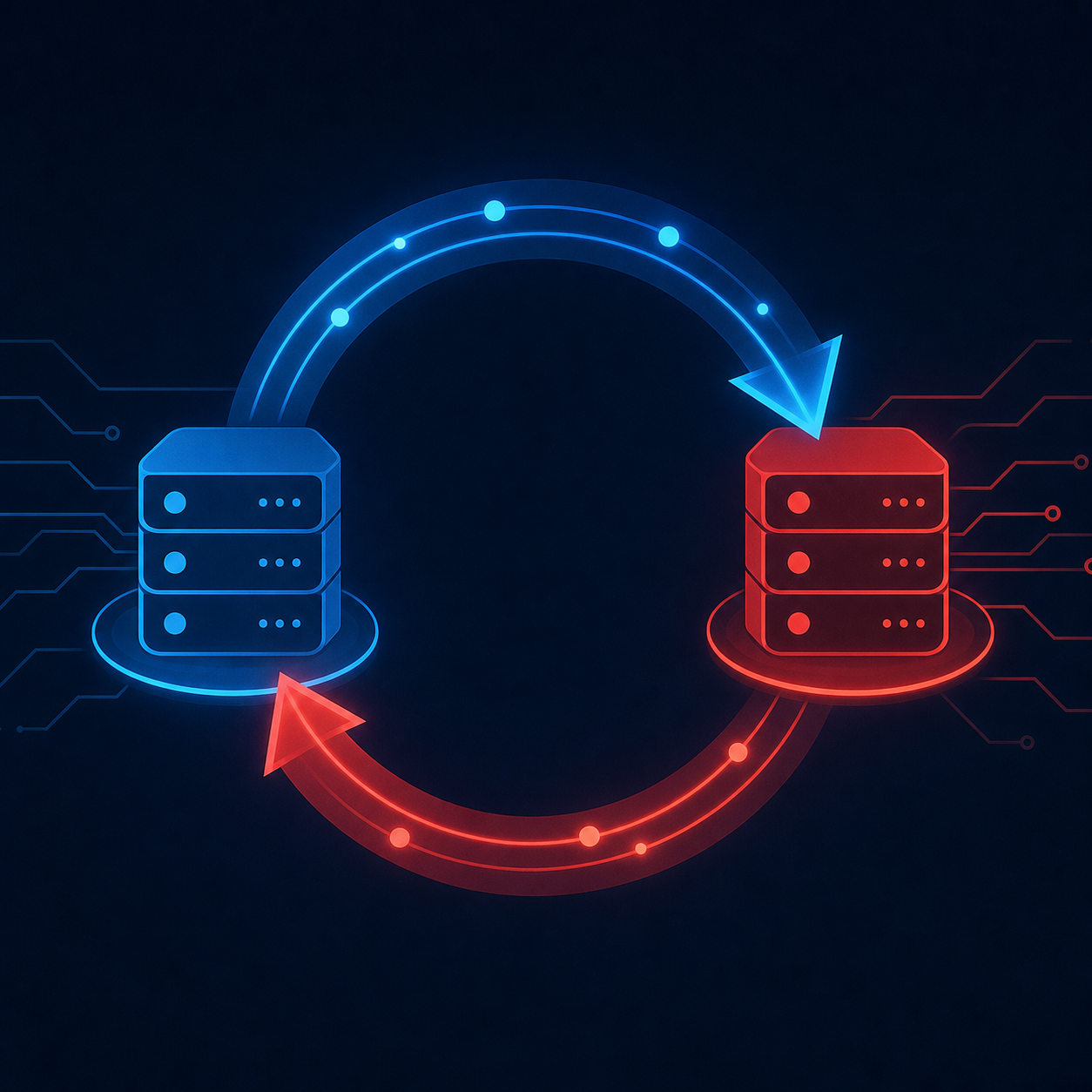
This is common enough that engineering teams across tools like MuleSoft and Creatio have hit it in production. The Stack Overflow thread on the subject has been viewed over a thousand times and is over a decade old. The problem is not hypothetical.
Three mechanisms prevent it in practice:
- Source tagging: writes that originate from the sync engine carry a marker. The receiving side checks for that marker before deciding whether to propagate the change. No marker, no loop.
- Idempotent write checks: before writing, the sync engine compares the incoming value against the current stored value. If they match, it skips the write entirely. No write, no trigger.
- Dirty-flag tracking: each field tracks whether a human or the sync engine was the last writer. Only human-originated changes propagate outward.
Most production systems layer at least two of these together.
Common Real-World Use Cases
Bidirectional sync tends to show up in the same handful of workflows repeatedly. The underlying pattern is the same each time: two systems with legitimate write authority over shared records, and neither can afford to be behind.
Here are the scenarios where this comes up most often.
CRM and Marketing Automation
A sales team works deals in Salesforce while marketing runs campaigns in HubSpot. Contact records live in both, and this is exactly why unified APIs don't work for CRM integrations. When a lead converts or an account changes ownership, both systems need to reflect it. Neither team will accept their tool as the read-only copy.
Accounting and Billing
Bills approved in an AP tool need to write back to NetSuite or QuickBooks Online so the general ledger stays accurate. Payment status confirmed in QuickBooks needs to flow back to the billing layer. Without the return path, finance is left matching two conflicting sources of truth by hand.
E-commerce Order Management
Shopify captures orders while a warehouse or ERP manages inventory and fulfillment. When a shipment goes out, Shopify needs the tracking status. When inventory drops below threshold, the storefront needs to know before it oversells. ERP integrations carry more hidden complexity than most teams anticipate.
Support and Ticketing
When support teams span multiple systems, a ticket updated in one tool needs to reflect in another. Status changes, assignee updates, and resolution notes all need to travel both ways, or agents are working from incomplete context.
Bidirectional Invoice Sync: A Special Case
Invoice sync looks like a standard bidirectional record problem until you try to build it. Then the state machine appears.
An invoice moves through stages: draft, finalized, sent, partially paid, paid, voided. Not every state transition should write back to the originating system. A billing tool finalizing an invoice should push to NetSuite, but a sync engine that also writes "draft" back from NetSuite, because it polled before finalization completed, corrupts the workflow entirely.
The directionality of each transition has to be explicitly mapped. Payment confirmation almost always originates from a payment processor or AP tool and needs to write back to QuickBooks Online or Sage Intacct so the receivables ledger closes correctly. That return path is where most teams under-build.
Voided invoices add another wrinkle: should the billing system void it too, or just stop syncing updates to it? The answer depends on which system owns the canonical record, and most generic sync documentation skips that question entirely.
Where Bidirectional Integrations Break in Production
Schema drift is the quietest failure mode in production bidirectional sync. A third-party API renames a field, changes a data type from string to enum, or silently deprecates an endpoint in a minor version update. Your sync engine keeps running, returns no errors, and writes bad data into both systems for days before anyone notices. By the time the problem surfaces, the audit trail is a mess.
As zigiwave notes, when two systems exchange data in both directions simultaneously, the question is never if conflicts will occur, it is when and how often. Schema drift is one of the least-discussed sources of those conflicts.
There are a few other failure modes worth knowing:
- Rate limit collisions happen because a bidirectional integration runs two pipelines against the same API credential. If a large historical backfill fires at the same time as an incremental sync in the opposite direction, both pipelines compete for the same quota. One gets throttled, the other completes, and you end up with a half-written record state that neither system can reliably detect without explicit reconciliation logic.
- Partial sync failures occur when a sync job writes 800 of 1,000 records before hitting a timeout. The job fails, but 800 records already landed. The next run may skip those 800 because they don't appear in the changed-records window, or it may re-process them and create duplicates. Without explicit checkpointing and idempotent writes, there's no safe recovery path.
- Initial load collisions are where most teams realize their incremental sync design was incomplete. Bulk-loading historical records into a live system means the incremental change detection layer may have already captured some of those records as "new," and keeping the two modes from colliding requires deliberate state management that many sync designs defer until it's already broken in production.
Embedded Bidirectional Sync in B2B SaaS Products
Shipping bidirectional sync as a product feature is a different problem from syncing your own internal systems. The infrastructure challenges still apply, but now every design decision has a user-facing consequence, and every failure is a support ticket from a paying customer.
There are three areas where this gets genuinely hard.
Per-Tenant Field Mapping
One customer runs Salesforce with custom fields your connector has never seen, which is a core challenge when building a native CRM integration in your product. Another has renamed standard fields to match their internal vocabulary. A third has disabled entire objects. Your sync engine has to handle all three simultaneously, with no shared schema to rely on. Each connected customer needs their own configuration layer, separate from the connector's base configuration.
Sync Status Visibility
If a sync fails silently, your customer finds out when a deal is missing from their CRM, not from a notification in your product. Actionable sync status, visible inside your product's UI, is what separates a self-resolved issue from an inbound support ticket.
White-Labeling and UX Defaults
When your customers interact with the sync experience, they should see your product, not your integration vendor's. That means branded auth flows, your own error messaging, and no third-party logos surfacing in the connection UI, even for connectors like HubSpot. It also means sensible defaults: a CPO connecting their CRM to your product does not want to choose between last-write-wins and field-level ownership. They want to map a few fields, set a sync direction, and get back to work.
How hotglue Handles Bidirectional Sync
Hotglue's v2 flows support writes in both directions from a single configuration, so you're not stitching together two separate pipelines and hoping they share state. Field ownership and state-filtering logic live in the Python transformation layer, where you can explicitly encode rules like "only propagate this status change if it originated from a human write, not a reflected sync write." That's the kind of logic that prevents the loop and conflict patterns covered earlier, and it runs as code you can version-control and audit.
Record-matching and deduplication are built in, so a contact that exists in both Salesforce and your product gets matched and deduplicated on the first sync run, not duplicated. For teams that need an audit trail, hotglue can generate a reconciliation file showing field-level differences between connected systems, which is useful when finance or ops need to verify that two systems actually agree before closing a period.
Rillet uses hotglue for bidirectional sync between their accounting automation product and both Paylocity and Airbase, including journal entry automation that writes back to their general ledger. The combination of bidirectional flows and transformation scripting makes that possible without custom glue code for every edge case.
Hotglue processes roughly 10 billion records weekly across 38,000+ active tenants. Pricing is per active tenant, so adding bidirectional flows to an existing connection does not introduce volume-based cost surprises as sync frequency scales.
Final Thoughts on Two-Way Integration and Embedded Sync
Building bidirectional sync that actually holds up in production means solving record identity, conflict resolution, and loop prevention as a set, not one at a time. Your customers won't see the engineering complexity, but they'll notice the moment something breaks, and they will tell you about it, at length, on a Friday afternoon. Hotglue is the only embedded iPaaS built to handle all of this from a single config: bidirectional flows, per-tenant field mapping, deduplication, and loop prevention included. No stitching together two pipelines and hoping for the best. Book a demo to see how the moving parts fit together, before your next Friday afternoon.
FAQ
How does bidirectional data sync differ from running two one-way pipelines between Salesforce and your product?
Two separate one-way pipelines share no coordination logic, so they have no shared record identity, no common ownership rules, and no way to distinguish a human write from a reflected sync write. The result is typically phantom updates, duplicate records, or silent data corruption. True bidirectional sync requires a single configuration layer that manages field ownership, conflict resolution, and loop prevention across both directions simultaneously.
How does hotglue handle invoice sync state filtering in a bidirectional integration, including preventing draft states from writing back to the originating system?
Hotglue's Python transformation layer lets you encode explicit rules per state transition. For example, you can propagate an invoice update only when its status is "finalized" or "paid," and block reflected writes that would push a draft status back into NetSuite or QuickBooks Online. That logic lives in versioned code you can audit, which is how teams like Rillet handle journal entry write-backs to their general ledger without custom glue code for every edge case.
What causes infinite sync loops in bidirectional integrations and how do you prevent them?
Infinite loops occur when System A writes a record, System B receives and writes back, and System A interprets that return write as a new change, triggering the cycle again until rate limits are drained. Three mechanisms break the cycle: source tagging (marking sync-originated writes so the receiving side ignores them), idempotent write checks (skipping writes when the incoming value matches the current stored value), and dirty-flag tracking (only propagating writes that originated from a human, not the sync engine). Most production systems layer at least two of these together.
What is an embedded iPaaS and how does it handle per-tenant field mapping for bidirectional sync?
An embedded iPaaS sits inside your B2B SaaS product and handles authentication, connector orchestration, and data sync on behalf of your end customers, each of whom may have different field names, custom objects, or disabled modules in their connected system. Per-tenant field mapping means each customer gets their own configuration layer separate from the base connector, so one customer's custom Salesforce fields don't break sync for every other tenant sharing the same connector.
How do you know whether your integration actually needs two-way sync or whether one-way sync is enough?
Two-way sync is warranted when both systems have legitimate write authority over the same records, such as a billing tool approving invoices that need to close receivables in QuickBooks Online, or a warehouse ERP updating fulfillment status that Shopify needs to surface to the buyer. If the destination system only reads and reports on data, one-way sync is simpler, has no conflict risk, and fails more predictably. The question to ask is: does the destination ever originate a change that the source needs to act on?