When a customer's sync breaks, your CS manager hears about it before your engineer does. That's not a support problem, that's a visibility problem, and it compounds fast. Deals stall, renewals get awkward, and the integration your team spent weeks building quietly becomes a liability. Here's what's actually going on, and how product and partnerships leaders are fixing it without burying engineering in more maintenance work.
TLDR:
- Connector gaps are a direct revenue problem: deals stall and renewals slip when a buyer's tools aren't supported
- Black box integrations fail silently: CS gets the angry email, engineering gets the ticket days later
- Embedded iPaaS keeps integrations inside your product with multi-tenant isolation, unlike traditional iPaaS built for internal IT
- Focus on observability and connector depth over connector count when assessing any embedded integration tool
- hotglue pairs open-source connectors with sync guarantees and a hands-on team in a shared Slack channel, so problems get caught and fixed before they reach your customers
What Is an Embedded Integration Platform?
An embedded integration platform is a layer that sits inside your product, letting your customers connect their own tools (a CRM, an accounting system, a payroll provider) without your engineering team building and maintaining every pipeline from scratch.
The key word is "embedded." Your customers never leave your app. They authenticate, map their data, and the sync runs in the background. From their perspective, it feels native. From your team's perspective, you didn't spend six months building it.
This differs from building integrations in-house, where your engineers own the connector code, the API versioning, the error handling, and the inevitable 2am Slack message when something breaks. It also differs from traditional iPaaS tools built for internal IT workflows, which weren't designed with your end customer in mind.
For a CPO or Head of Partnerships, that distinction matters because integrations are increasingly a condition of the sale. connector coverage is now a baseline requirement, not a differentiator, and an embedded integration approach is how you meet that bar without turning your engineering backlog into a connector graveyard.
The Hidden Cost of Building Integrations In-House
Every integration starts the same way: a two-week estimate, one engineer, and a confident Jira ticket. Then it ships, and the real work begins. (The ticket closes. The work does not.)
A 2026 analysis of SaaS integration costs found that this pattern repeats consistently. The first build looks manageable, but each third-party API brings its own release cadence, versioning overhead, and debugging surface. Salesforce ships three major releases a year. Stripe regularly versions and upgrades its API, and integrations have to keep up. Every change is a ticket your team didn't plan for.
The compounding is what catches teams off guard. Schema drift, auth token changes, rate limit behavior that suddenly changes: none of it shows up in the original estimate. One connector quietly becomes a part-time engineering job. Ten connectors become a team, which is the real story behind the cost of maintaining integrations.
Why Integrations Are Now a Sales and Retention Variable
Integrations have moved from a differentiator to a baseline expectation. When a buyer can't connect your product to the tool their finance team runs on, the conversation rarely ends with "we'll wait." It ends with a competitor's name.
A deal stalls at legal because a prospect needs a NetSuite connector you don't have. A renewal call wraps up with a customer mentioning, almost in passing, that they've been looking at alternatives. Neither shows up in an engineering retro. Both show up in NRR.
For partnerships and product leaders, that reframes the entire integration roadmap. Connector gaps are a revenue problem, and they tend to surface in the numbers long before anyone files a ticket.
What a "Black Box" Integration Actually Looks Like
The integration works until it doesn't. And when it stops, nobody outside engineering can tell you why.
That's the black box: a connector your team built, deployed, and then largely forgot about until a customer files a ticket. CS opens a thread. Partnerships gets tagged. Sales starts fielding questions on a renewal call. Nobody can pull up a dashboard, check a sync log, or tell the customer when the last successful run was. That information lives in a terminal somewhere, accessible only to the one engineer who built it.
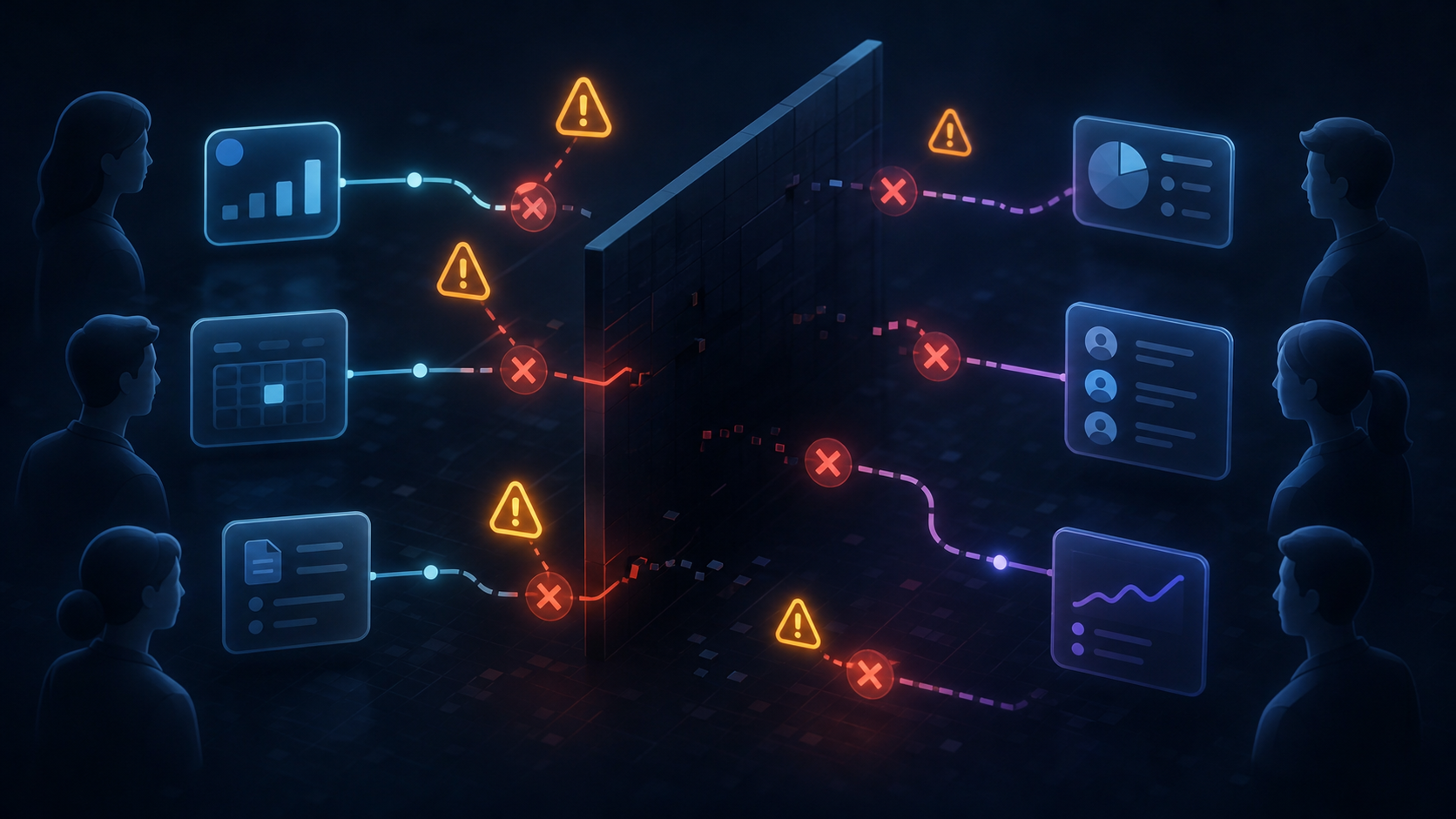
Customer success is the one getting tagged in a support thread when a sync breaks. Partnerships is the one explaining why a connector isn't ready yet. Neither of them can file a pull request to fix it.
The failure mode isn't always a crash. Sometimes it's silent data drift: records that stopped syncing two weeks ago and nobody noticed. By the time a customer brings it up, the damage is already in the relationship.
Who Actually Feels the Pain (And Who Owns the Fix)
Engineering owns the integration. CS owns the fallout.
When a sync breaks, the engineer who built it might not hear about it for days. The customer success manager hears about it in the first hour, usually via a pointed email with a subject line that doesn't leave much room for interpretation. Partnerships hears about it when a connector gap surfaces during a QBR. Sales hears about it when a renewal stalls.
None of those people can push a fix. They can escalate, apologize, and promise a timeline (and maybe send a very sincere follow-up email), but the actual repair lives entirely with a team that has other priorities.
This is why the organizational pattern is harder to fix than the technical one. The people who want visibility the most have no direct path to create it, and asking engineering to add structured logging or cross-team dashboards feels like extra work on top of maintenance they already resent owning, which is a big reason engineers dread in-house integrations.
The right champion here is rarely the engineering lead. It's the CPO who sees integration gaps in churn data, or the Head of Partnerships who keeps explaining the same missing connector to the same prospect. Consider a CPO who pulls a quarterly churn report and finds that three of their five largest churned accounts had open integration requests that were never fulfilled: no engineering ticket was ever closed, but the revenue was. That kind of pattern is visible in the data long before it surfaces as a formal complaint. They feel the revenue consequence directly, which makes them far more motivated to push for a different approach.
Embedded iPaaS vs. Traditional iPaaS vs. Unified API
These three approaches solve the same problem in very different ways, and weighing them is essentially an in-house vs. embedded iPaaS decision that matters when integrations are customer-facing.
| Approach | Built for | Tradeoffs |
|---|---|---|
| Traditional iPaaS | Internal IT workflows | Not designed for multi-tenant, customer-facing use; end users see the tool, not your product |
| Unified API | Schema abstraction across many connectors | Less control over connector behavior; vertical depth often limited |
| Embedded iPaaS | Customer-facing, multi-tenant integrations | Requires integration into your product; more setup than a unified API |
Traditional iPaaS tools like Workato were designed for internal automation. An ops team connecting Salesforce to NetSuite is the target user, not your end customers trying to sync their QuickBooks from inside your app. Embedding that kind of workflow builder into a B2B SaaS product produces something that feels bolted on, because it was.
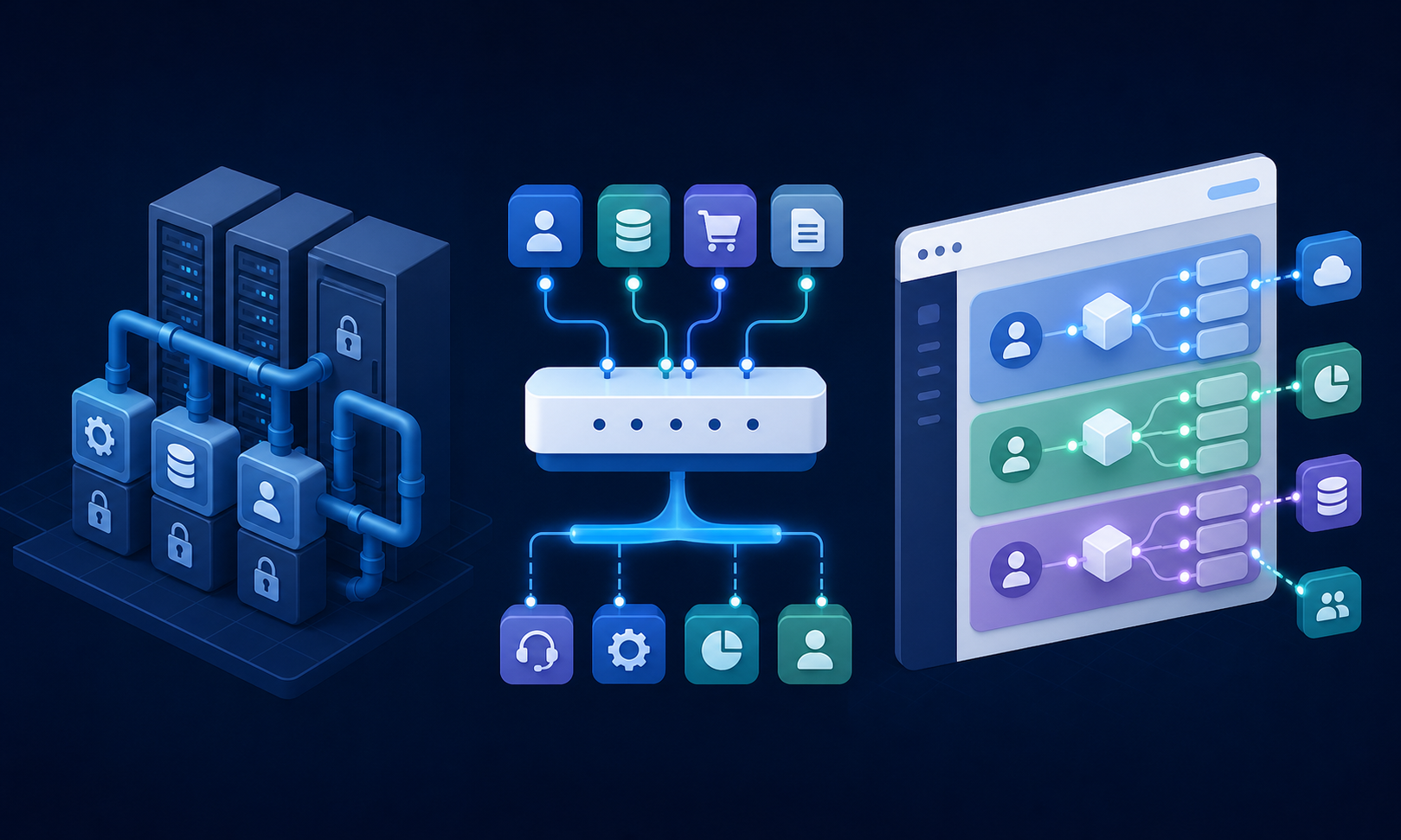
Unified APIs solve a real problem: one schema for many connectors means faster initial build time. The tradeoff is connector-level control. If your customers use accounting systems with deeply specific field structures, a unified abstraction may flatten data in ways that cause real problems downstream.
Among the different iPaaS integration platforms, embedded iPaaS sits closest to the actual use case. It runs inside your product, handles multi-tenant auth isolation, and gives your engineering team control over transformation logic. The customer never sees the integration layer, which is exactly the point for B2B SaaS teams whose integrations are part of the product itself.
Key Features That Separate Embedded Integration Platforms Worth Using
Connector count is the stat vendors lead with. It's rarely the thing that matters most.
Knowing choosing the best embedded iPaaS solution comes down to a shorter list of what actually determines whether a platform holds up in production:
- Connector depth over breadth. A long app list means little if it skips the systems your customers actually run. On-premise tools like QuickBooks Desktop and Sage 300 CRE are where gaps show up first for construction and nonprofit customers.
- Observability. Can CS pull up a sync log without filing a ticket? If job health isn't visible outside engineering, you're back to the black box.
- Multi-tenant isolation. Every customer's auth, config, and data must stay separated by design, not by convention.
- Pricing model. Per-tenant pricing stays predictable as you scale. Volume-based billing doesn't.
- Customer self-service. End users should be able to authenticate and map their own fields without opening a support ticket.
For a CPO signing off on the budget, the real question is simpler: when something breaks at 9pm, who finds out first, and how fast can they act? A platform worth using makes that answer something other than "the engineer, eventually."
How the Integration Build Process Actually Works
The sequence is roughly this:
- Identify the connector need (a specific customer request or sales blocker)
- Share API docs and sandbox credentials
- Hotglue stands up the connector, typically within one to two weeks of getting access
- You test against your data model, configure field mapping and transformation logic
- The connector goes live in production, scoped per tenant
The main input your team provides is API access. The build work, rate limit handling, auth flow, and schema mapping sit on our side, which is part of why you shouldn't build SaaS integrations yourself. If your target system has a public API and you can get sandbox credentials, the timeline holds.
Where things slow down: sandboxes that require vendor provisioning, internal review cycles for the transformation logic, or custom field mapping that varies by customer segment. None of these are blockers, but they're worth scoping clearly before you set a launch date with a customer.
What comes out the other side is a connector that hotglue's team monitors and maintains, and a sync your customers can configure themselves inside your product without filing a support ticket.
How hotglue Turns Integration Visibility Into a Product Feature
hotglue's connectors are open-source, built on Singer and Airbyte YAML specs, taking on the stigma of embedded iPaaS head on. Your team can inspect the connector code, fork it, and extend it. There's no proprietary abstraction hiding what's actually moving data between systems. When something breaks, anyone with access can trace exactly where.
Visibility also comes from how syncs behave. A partial sync failure never silently succeeds: hotglue either delivers all the data or fails the job and preserves state for retry. That rules out the silent data drift described earlier.
hotglue's integrations team also monitors third-party API changes and migrates connectors to new endpoints, and works with your team in a dedicated Slack channel. When something needs attention, your CS manager talks to people who know your integration stack, not a ticketing queue.
The scale holds up. hotglue processes approximately 10 billion records weekly across 38,000+ active tenants, and serves 70+ B2B SaaS customers. When a new connector is needed, hotglue can stand one up in one to two weeks from API access, a pace in-house teams rarely match while also shipping product. See how Inventoro approached it in this case study.
The economics stay predictable too. Tenant-based pricing means your bill scales with active customers, not data volume. SOC 2 Type II compliance and a process-and-deliver data model mean security reviews don't stall deals. For a CPO or Head of Partnerships weighing whether an embedded integration layer solves the problem or just moves it, what is hotglue and those structural details are what make the answer yes.
Final Thoughts on Choosing the Right Embedded Integration Approach
Integrations are a condition of the sale now, and the teams that feel that pressure most are rarely the ones who can act on it. Moving integration ownership out of your engineering backlog and into a platform built for it changes how fast your team can respond. The build cost and the maintenance burden are both solvable problems, and hotglue is built to solve both. You get open-source connectors, per-tenant pricing, multi-tenant isolation, and a team that monitors third-party API changes for you. It's an embedded integration layer for B2B SaaS teams who need integrations to work as a product feature, not just a backend task. Book a quick demo with hotglue to see how the pieces fit together for your stack.
FAQ
What is the difference between a unified API and an embedded iPaaS for SaaS integrations?
A unified API gives you one schema across many connectors, which speeds up the initial build but limits control over connector-level behavior: if your customers use accounting systems with specific field structures, that abstraction can flatten data in ways that break downstream workflows. An embedded iPaaS runs inside your product, handles multi-tenant auth isolation, and gives your engineering team direct control over transformation logic, so the integration feels native to your customers instead of bolted on.
Unified API vs embedded iPaaS: which should I use if my customers are on QuickBooks, NetSuite, or Sage?
For accounting and ERP systems, an embedded iPaaS is the stronger fit. Unified APIs often struggle with connector depth in this vertical. Systems like QuickBooks Desktop, Sage 300 CRE, and NetSuite have deeply specific field structures and on-premise deployment requirements that a rigid schema abstraction handles poorly. hotglue's connectors are open-source and built to handle these systems at the field level, including on-premise installs.
How do I build a new integration connector when a prospect uses a system my product doesn't support yet?
Share API docs and sandbox credentials, and a connector can typically be standing in one to two weeks from the point of access. The build work (rate limit handling, auth flow, schema mapping) sits on hotglue's side; your team's main input is getting API access to the target system. Where timelines slip, it's usually vendor-provisioned sandboxes or internal review cycles on transformation logic, not the connector build itself.
How does an embedded integration platform stay worth it for a SaaS company that has already built most of its core integrations in-house?
The build is rarely the expensive part; ongoing maintenance is. Every third-party API ships changes, deprecates endpoints, and drifts schema over time, and that cost lands quietly on whichever engineer last touched the connector. With hotglue, the integrations team actively monitors third-party API changes and migrates connectors to new endpoints, so that burden comes off your engineers. The value compounds the more connectors you already own.
Can my CS and partnerships team check integration health without filing a ticket with engineering?
It should be possible, and if it isn't, you have the black box problem this article describes. It's the first thing to ask any vendor about. With hotglue, connectors are open-source so anyone can trace where a sync broke, partial failures never silently succeed, and you get a dedicated Slack channel with the hotglue team for fast answers. Ask for a demo to see how the setup would look for your CS and partnerships teams.